StudioComposeVision studio

Your ad studio,
on autopilot.

Pick a product, pick a template, choose image or video — then let autopilot generate fresh ads on the days you choose. Your team approves; ComposeVision does the rest.

Product→Template→Image / Video→Autopilot→Approval
ComposeVision · Studio — interactive demo
Step 01

Pick a product

Choose from your catalogue — photos, name and details are stored once with the product. Sample products shown.

Add a productphoto or link
VIDEO · 15s · ♪
OOlivera
9:16

Fresh out of the box.

Shop now
Summary
ProductOlivera · Extra Virgin 750 ml
TemplateFirst look
Output3 15-second videos (9:16)
AutopilotEvery Tue & Fri · 09:00
ApprovalContent lead, Client · all must approve
A week on autopilot

You set the rhythm.
The studio keeps time.

Here's what a Tuesday-and-Friday autopilot looks like. Your only job: tap approve.
Mon
Tue
09:00 · 3 videos generated
09:01 · Sent for approval
Wed
Content lead approved
Client approved
Thu
Queued · Fri 20:00
Fri
09:00 · Next batch generated
20:00 · Published · 3 channels
Sat
Results syncing in
Sun
Insights feed next run
Two outputs

Images that convert.
Videos that stop the scroll.

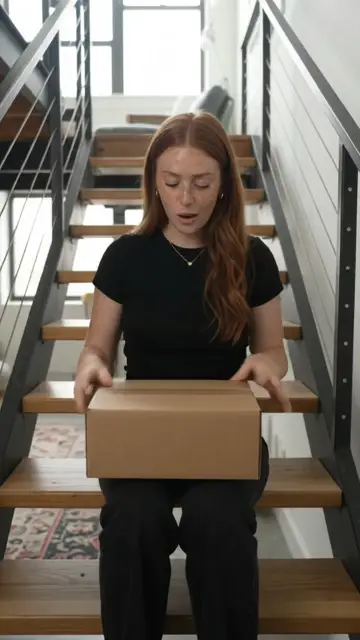
LLoft stair unbox
1:1

It came.

Shop now
Image ads

Fast to make. Easy to test.

Hook, product & CTA composedFeed, Story & wide cropsRun several variants at once
RReaction + reveal
9:16

Wait, what?

See it
Video ads

Motion that holds attention.

Hook in the first secondMotion, music & pacing5, 10 or 15 second clips
ComposeVision

Turn on autopilot.

Set it once. Approve on your phone. Watch your channels stay fresh all week.

Request accessBook a demo